




You have a video. You need a course.
That is the moment most L&D teams realise they bought the wrong tool. The avatar video looks good, the voiceover works, translation runs through in minutes. Then Compliance asks for proof of completion. And suddenly everything that turns a video into training is missing.
What Synthesia genuinely does well
Fairness first, because you have probably tested the tool yourself: Synthesia builds studio-grade AI avatars, covers a lot of languages and turns a text script into a clean video quickly. For product communication, marketing clips and short explainers it is a strong tool. If all you need is video, you are in good hands.
The point is a different one. A video is not training.
Where it breaks in L&D practice
Four gaps show up again and again when teams try to move avatar videos into real learning processes.
1 No interactivity, no knowledge check
Without a quiz there is no evidence that content landed. For mandatory training and safety briefings that is not a convenience, it is a requirement.
2 LMS integration only on higher tiers
When SCORM or xAPI only appear in the enterprise package, the maths shifts considerably. How far, is set out in the honest cost breakdown for a training video: the licence is not what decides, maintenance and language versions are. Without LMS tracking there is also no completion rate, and without a completion rate there is no report for audit.
3 Avatar clips only
Software training needs screencasts. Anyone who wants to show a screen recording switches tools and stitches the results together afterwards.
4 Hosting in the UK and US
In regulated European industries this is often the point where procurement stops the process.
Each of these gaps can be bridged on its own. Together they add up to a chain of three or four tools that somebody has to maintain. Usually you.
The real difference: a complete course instead of a clip
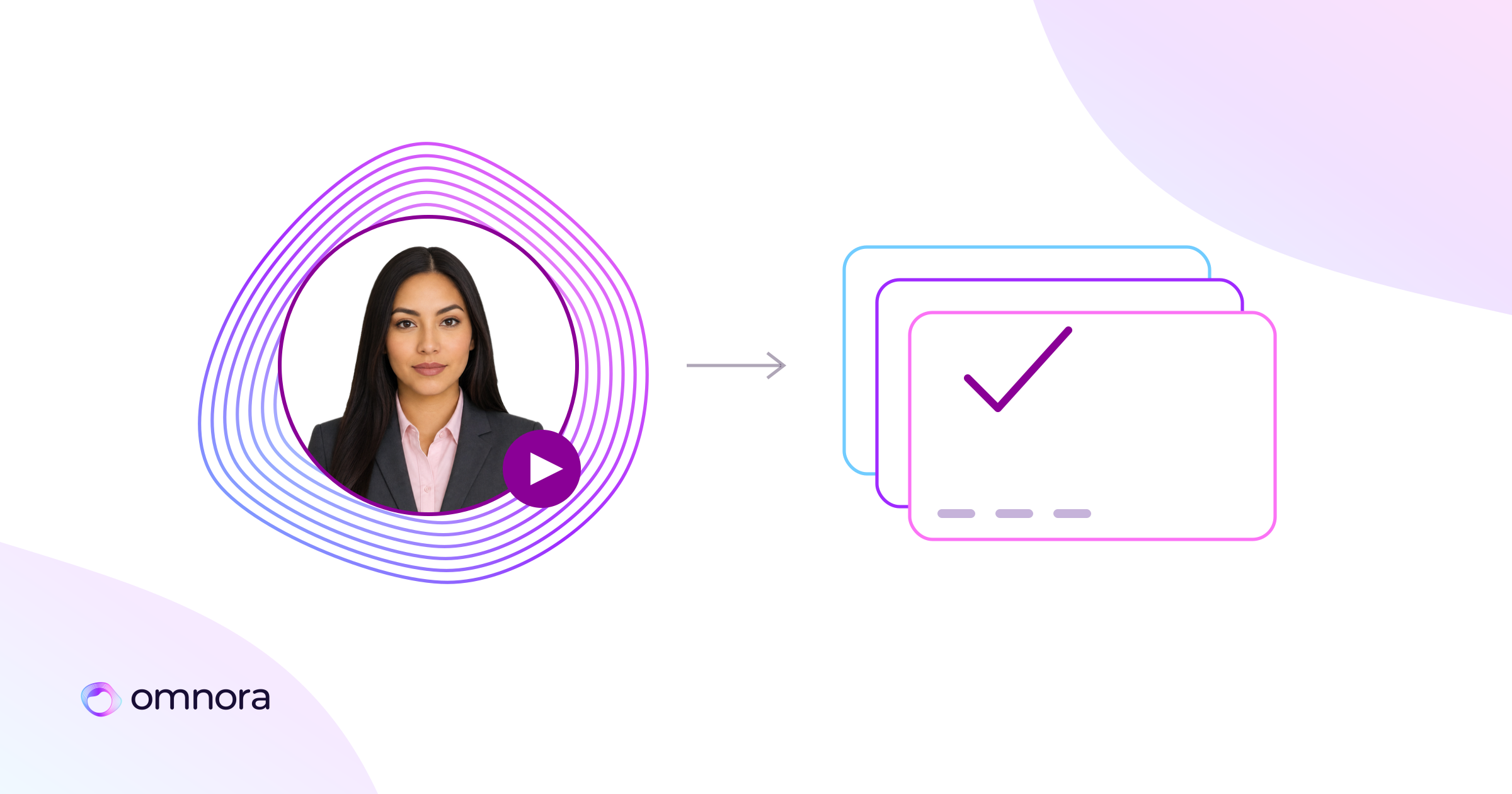
Omnora starts at the same place but goes to the end of the process. One input produces not a video but a finished, exportable course: avatar or screencast or live video, voiceover, a quiz inside the video, SCORM and xAPI export, subtitles and translation.
Three ways in:
- Interview-to-Training. One conversation with the AI and the training is done. The subject-matter expert talks, the system probes, the result is a course.
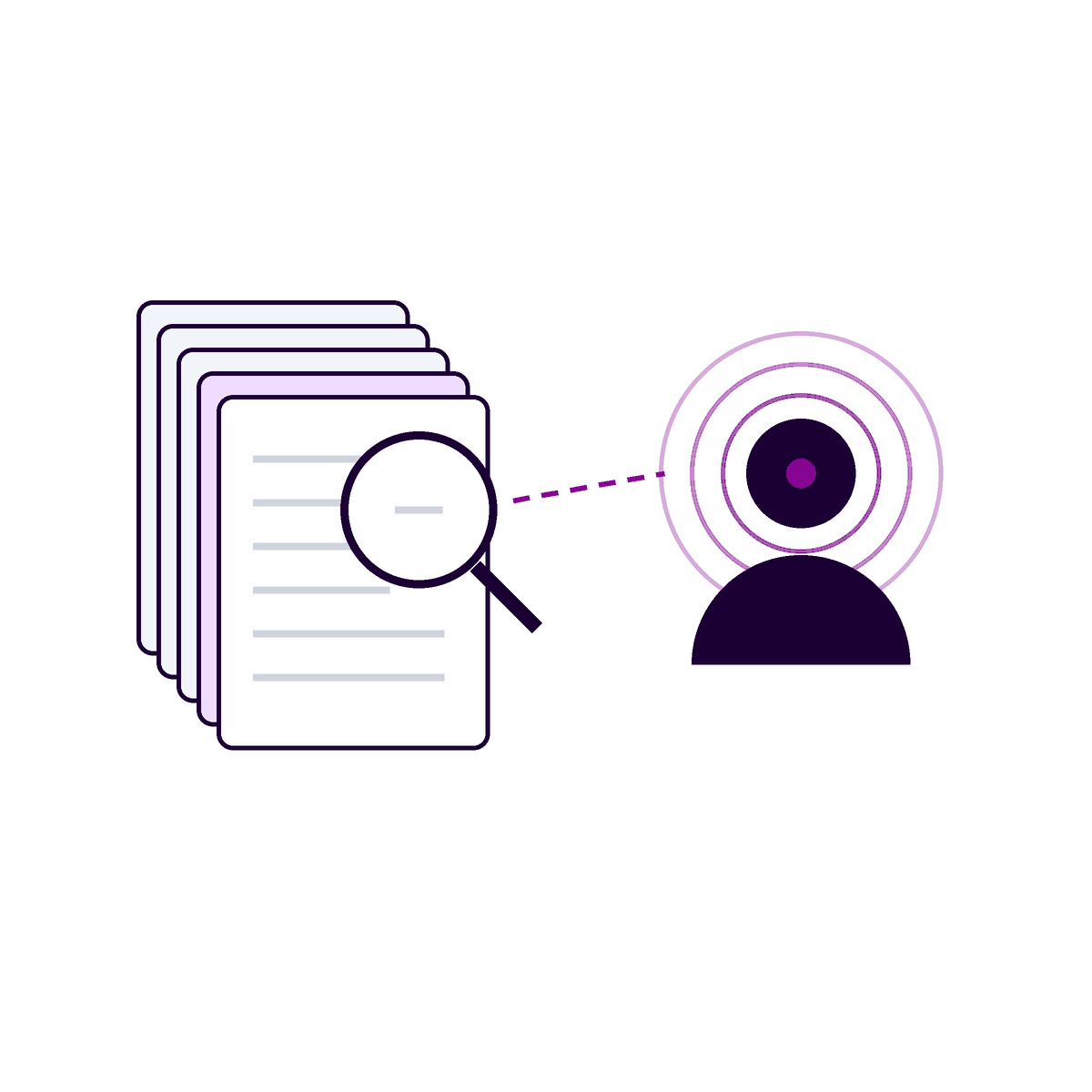
- Document-to-Training. PowerPoint and PDF become training in three clicks.
- Text-to-Video. The knowledge is written down, Omnora turns it into training.
The numbers: 120+ avatars, 140 languages for subtitles and translation, 50+ languages for voiceover. The avatar technology runs through a Synthesia integration, and avatars are available in your corporate identity. So you do not give up video quality to get the rest. What that means for international sites is covered in the piece on multilingual training videos without a translation agency.
One detail saves more time day to day than any other feature: SCORM remote update. When a work instruction changes you update the course, and the change takes effect without re-importing into the LMS. Anyone who has re-uploaded 40 courses after a software release knows the difference.
What this looks like in practice
DPD Germany has worked this way since 2022: around 9,000 employees, 79 depots. In two and a half years more than 1,800 videos were produced by roughly 240 active authors from the business units. Production time per learning video fell from about a working day to around an hour.
The more interesting figure is not the time, it is the 240. L&D no longer produces everything itself. L&D steers, and the business units deliver. That is the shift that actually matters.
Honest about the limit
For highly complex branching course scenarios and simulations, Articulate is stronger. Omnora is deliberately specialised in video plus microlearning. If your core need is nested decision scenarios with many paths, you are better served there. Where exactly that line runs is set out in the comparison with the Articulate 360 alternative.
For everything that looks like a safety briefing, software training, onboarding or product knowledge, that does not apply.
The question that decides it
Do not ask which tool has the better avatars. Ask how many tools sit between your expert's knowledge and the completion record in your LMS.
With Synthesia there are several. That is not a weakness of the product, it is its definition: Synthesia makes videos. Omnora makes courses.
If you want to see how this runs with your existing LMS, let us walk through one of your real safety briefings together. It takes 45 minutes and says more than any feature table.