





How do you create learning videos with AI?
AI-generated learning videos are produced automatically from existing material or from structured interviews. The difference from classic production is the input: instead of a script, production starts with knowledge. There are three routes: document-to-training, interview-to-training and text-to-video. The result is a complete course with voiceover, avatar or screencast, quiz and SCORM or xAPI export. Typically production time per training hour drops by up to 80 percent, an experience value, not a promise.
- The input changes. Knowledge, not a script, is the starting point.
- Course, not clip. Quiz, export and updates are part of the output.
- Start small. One frequently repeated process delivers your first own numbers.
The L&D team cannot keep up. The training backlog grows. Mandatory training on GDPR, NIS-2 and the EU AI Act has to be rolled out now. At the same time quality has to hold, the business units have to stay satisfied, and the budget must not blow up.
AI-based authoring tools are one answer: they turn company knowledge into professional learning videos. This guide sets out how Omnora Authoring Automation changes the production maths, and where the limits are.
What AI-generated learning videos actually are
AI-generated learning videos are training content created automatically from existing documents or through structured interviews. Where classic video production takes weeks or months, these courses are finished in hours.
The difference is not the camera. It is the entry point. Classic production starts with a script that somebody has to write. AI-supported production starts with knowledge that already exists, in a document or in a person's head.
Three routes lead in:
- Document-to-Training. Existing documents, SOPs or presentations become structured learning videos. The system recognises learning objectives, creates chapters and generates matching quiz questions.
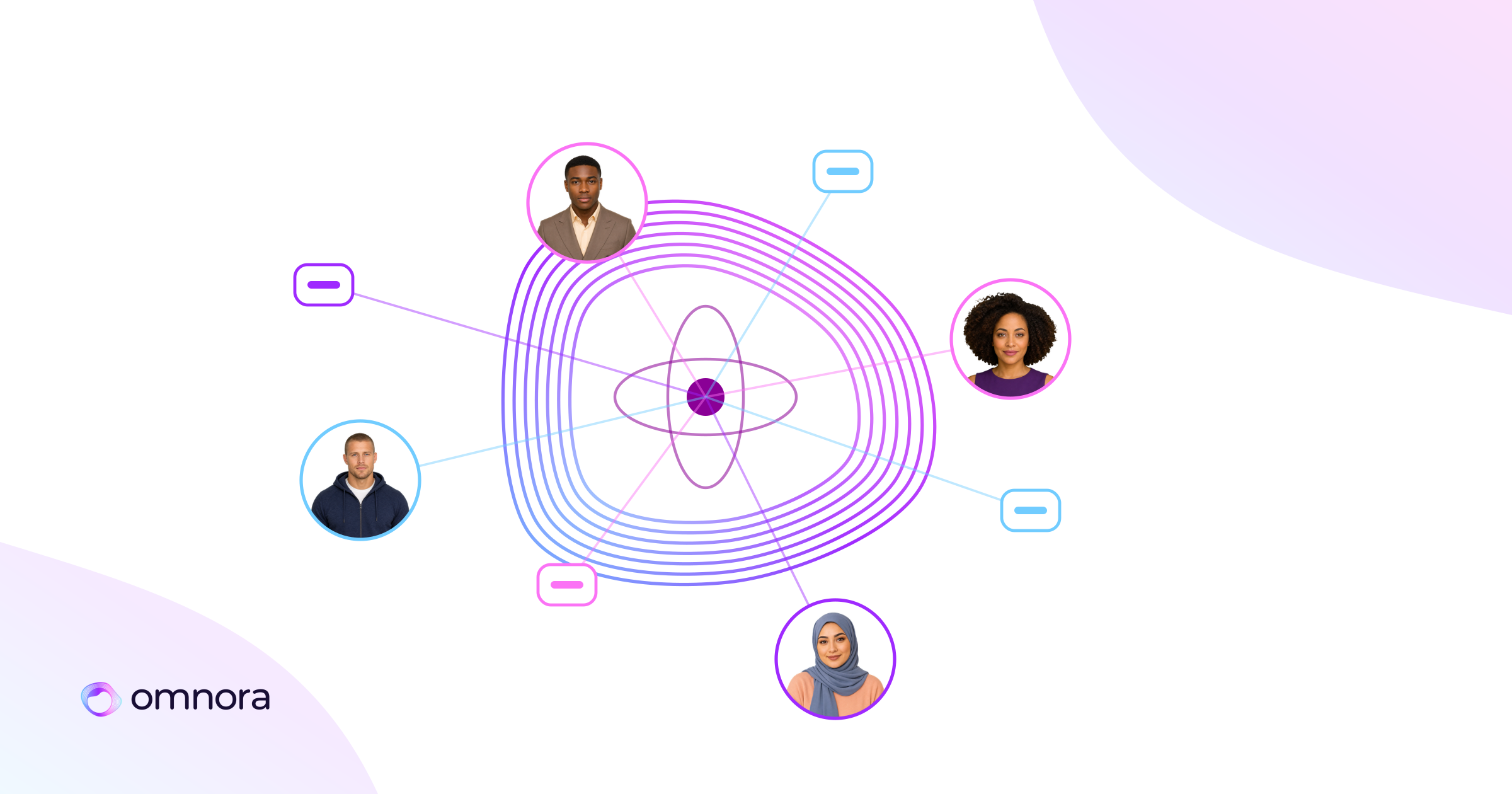
- Interview-to-Training. An AI-supported expert interview captures tacit knowledge directly from your specialists, with probing questions where a statement stays incomplete.
- Text-to-Video. The knowledge is already written down, the system turns it into a course.
What comes out is not a clip but a complete, exportable course: voiceover, avatar or screencast, a quiz inside the video, SCORM and xAPI export, subtitles and translation.
Four effects that show up in practice
1 Production time drops sharply
Instead of weeks of alignment loops between L&D, the business unit and external service providers, courses are built in hours. At DPD Germany more than 1,800 learning videos were created in two and a half years, and production time per video fell from about a working day to around an hour.
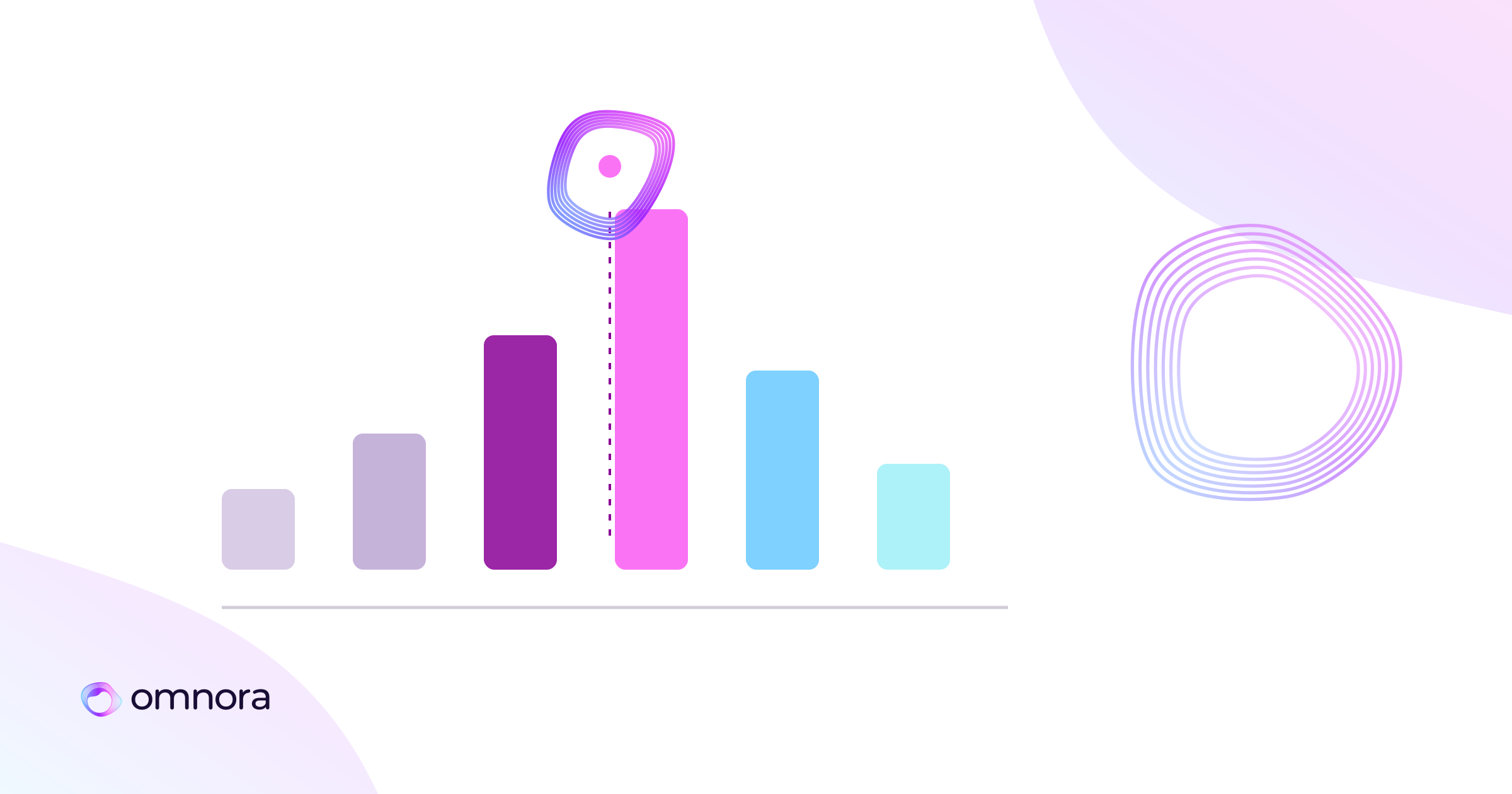
Typically up to 80 percent faster production per training hour compared with classic course production. That is an experience value, not a guarantee. What the full picture looks like is set out in the honest cost breakdown for a training video.
2 Content creation stops being a bottleneck
At DPD roughly 240 active authors from the business units produce content. Each unit can build training without loading it onto the L&D team, while templates and approval paths keep quality and corporate design consistent.
This is the shift that actually matters, and it has a governance side. Which three mechanisms hold it together is set out in the piece on scaling training production without adding headcount.
3 Updates without a project
Compliance training has to be revised whenever the law changes. SCORM remote update lets you update courses already delivered in the LMS, without a re-import and without an IT ticket.
Anyone who has re-uploaded 40 courses after a software release knows what that saves. And for international rollout the same mechanism applies to language versions, as covered in the piece on multilingual training videos without a translation agency.
4 Real practice instead of theory
Classic training rests on slide decks and general process descriptions. Structured expert interviews capture what actually happens: the exceptions, the decision logic, the experience values that are in no handbook.
That matters because 42 percent of job-related knowledge is documented nowhere (Panopto/McKinsey). Process documentation shows the ideal case. Reality consists of exceptions.
Where the limits are
This belongs stated openly. For highly complex branching course scenarios and simulations, Articulate is stronger. Omnora is deliberately specialised in video plus microlearning. If your core need is nested decision scenarios with many paths, you are better served there. The distinction is drawn in the comparison with the Articulate 360 alternative.
And a synthetic voice is accepted for explanatory content and safety briefings, but for emotionally loaded topics such as leadership communication a human voice still has the edge.
What European organisations should check
Two regulations are in force: EU AI Act Article 4 on AI literacy obligations since February 2025, and NIS-2 since December 2025. Both concern traceability and governance, not only hosting.
Relevant checkpoints for any vendor: EU hosting on Azure with data centres in Germany, GDPR compliance, TISAX assessment, no use of customer data for model training, complete and demonstrable deletion, role-based access control with an audit trail.
A realistic first step
Do not start with the whole backlog. Take one process with high repeat demand, for example onboarding for a key role or the mandatory briefings of one site. Define two or three subject-matter experts as authors, set an approval path, and produce for six weeks.
Then measure your own numbers: production hours per finished learning minute, and time from request to availability. After six weeks you have figures that hold for your organisation rather than figures from a blog article.
How Omnora turns an AI interview, PowerPoint, PDF or screen recording into narrated video training with avatar and quiz.
Create training →Häufige Fragen
What are AI-generated learning videos?
Training content created automatically from existing documents, presentations or structured expert interviews. Instead of weeks of scripting, recording and editing, a complete course with voiceover, visuals and knowledge checks is produced in a fraction of the time.
What are the ways to create learning videos with AI?
Three: document-to-training turns SOPs and presentations into structured courses. Interview-to-training captures tacit knowledge directly in conversation with the expert. Text-to-video turns knowledge that is already written down into a course.
How do you update AI learning videos in the LMS?
Through a SCORM remote update: the course is changed at the source and the change applies in the LMS without re-importing. That saves time particularly for compliance training that has to be adjusted after every regulatory change.
Where are the limits of AI learning videos?
For very complex branched scenarios and simulations, Articulate is stronger. A synthetic voice is accepted for explanatory content, but for emotionally charged topics such as leadership communication a human voice is often better.
How do I get started with AI learning videos?
Not with the whole backlog but with one process that repeats often, such as onboarding for a key role or a mandatory instruction. Then measure production hours per learning minute and the time from request to availability.
Quellen
- Panopto / McKinsey: Share of job-related knowledge that is documented nowhere [Study]
- EU AI Act, Art. 4 (since February 2025); NIS-2 (since December 2025) [Regulation]
- Omnora: typically up to 80% less production time per training hour; SCORM and xAPI export with remote update [Omnora field value]
- Cleared customer reference: number of videos and active authors, as stated in the article [Omnora field value]